Making touchscreen terminals accessible to people with a visual impairment
Listen to this article
As touchscreen payment terminals become the norm, ensuring accessibility for all users is critical. This article explores how Ingenico, in collaboration with the Royal National Institute of Blind People (RNIB), developed a secure and inclusive PIN‑entry solution for touchscreen POS devices. By combining thoughtful interface design, text‑to‑speech guidance, and PCI‑approved security, Ingenico’s Accessibility Mode enables blind and partially sighted customers to complete transactions independently and with confidence—demonstrating that innovation and inclusion must progress together.

Touchscreens are increasingly being used for payment and while they offer many benefits for users, we must ensure they are accessible for all.
Martin Doherty, CSO for Northern Europe and DACH at Ingenico, shares how Ingenico found a solution alongside the Royal National Institute of Blind People (RNIB) to enable blind and partially sighted people to enter their PIN on a touchscreen POS terminal in the most secure way.
How does the touchscreen present a challenge for people with a visual impairment in the payment context?
The payment landscape is transforming rapidly. New technologies are being introduced at increasing speed bringing with them a wide range of benefits for users. The growing use of touchscreen payment terminal devices is one such example. These new devices typically run on Android, which brings many new benefits. Yet, this technology with its large touchscreen can present a challenge for blind and partially sighted people. Without a physical keypad, the touchscreen is impossible to navigate in the same way as a traditional terminal with buttons. What is more, it is not possible for a payment terminal to ‘speak’ the keyboard digits or the PIN as this would compromise the security of the payment process. So, this new display technology presents a challenge and there is a risk of exclusion if the right steps are not taken to ensure accessibility.
How did Ingenico address this problem?
Ingenico is committed to providing solutions that ensure the accessibility of payment to all. We started, at the early stage of our Android deployment, collaborating with the RNIB in the UK to create a new interface for our Android AXIUM range. Incorporating the recommendations of blind and partially sighted people gathered during user testing, the interface works effectively for a range of visual impairment levels. Utilising the large colour touchscreen on the AXIUM DX8000, for example, and its ‘text-to-speech’ capability, the solution is PCI approved, maintaining the security of the PIN entry process.
So how does it work?
On the device interface there is an internationally recognised icon for people with visual impairment which when pressed by the merchant launches the full ‘Accessibility Mode’. This prompts the terminal to provide an audible introduction, guiding the user around the keyboard.
The touchscreen then makes use of large, bold characters in a font recommended for character recognition. This provides good contrast and clarity, supporting people with impaired vision to use the PIN pad more easily.
Using ‘text-to-speech’ functionality, the terminal reads out the amount to be paid, along with instructions supported by a series of beeps to assist with keypad navigation.
For the PIN entry, the user double taps anywhere on the screen to select the desired key. The whole process also has an extended time-out feature, allowing the user to carefully complete their transaction in the time they need. It goes without saying that the whole experience is PCI approved and is completed in the most secure way.
I would recommend watching this short demo to see the solution in practice:

Enjoy a more personalized experience by accepting our cookies and unlocking targeted content.
Enable Cookies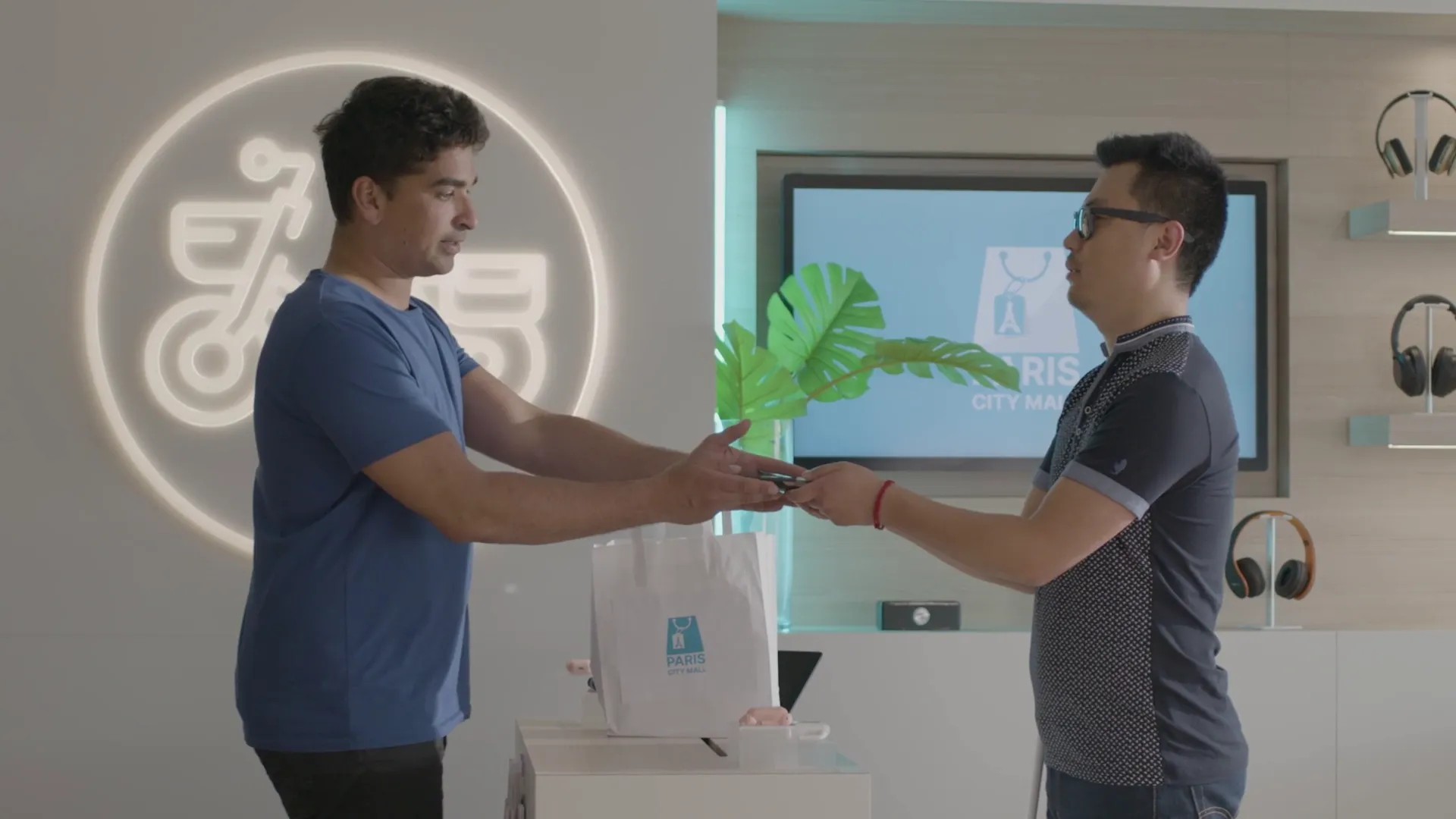
Why is this project important to you?
Ingenico is committed to ensuring that its payment solutions are inclusive – so that everyone can benefit from them – and I think this is hugely important. We are extending the interface developed for the AXIUM DX8000 to other touchscreen products in our AXIUM range. Making the best payment solution does not suffice; everyone must have access to them. That is our commitment as a global leader in the payment space.
FAQs
Android provides a modern and flexible environment for payment applications and business services. Combined with the Next-Gen AXIUM platform, it enables intuitive user experiences, seamless application integration, remote software updates, and the flexibility to support evolving payment and business needs.
Next-Gen AXIUM provides a common platform designed to simplify payment acceptance and device management. Merchants benefit from a modern payment experience, ISVs can develop and deploy solutions more efficiently across devices, and acquirers gain greater operational efficiency through centralized management, remote updates, and a consistent platform architecture.
Ingenico terminals make checkouts accessible for the visually impaired with three main features for full-touch devices:
- Accessbility Mode: This mode can be activated manually or automatically when headphones are connected. It adapts the user interface with larger text, higher contrast, and vocalizes instructions, utilizing the device’s speaker or standard audio port and text-to-speech capability.
- Text-to-Speech: This feature reads out the amount, instructions, and guides the user through the virtual PIN pad during PIN entry with voice and sounds. This “audio guidance” is approved by RNIB for touch screen PIN entry.
- Physical Accessibility Accessory: As an additional or alternative solution to audio guidance, we offer a physical accessory that can be placed on the device to make the flat touch screen tactile.
Accessibility means that payment terminals can be used by everyone, including people with disabilities - whether physical, mental, intellectual, or sensory - regardless of whether the disability is permanent or temporary.
Accessibility ensures that everyone, regardless of ability, can make payments independently, easily, and securely. It’s a matter of inclusion, respect, and equal rights for all customers.
At Ingenico, accessibility is integrated from the design phase of new products-both in hardware and software.
We follow a global approach to meet accessibility requirements regardless of the market destination.
We collaborate with user associations to understand real needs and gather feedback from people with disabilities.
We also participate in workshops and working groups to help develop universal, harmonized solutions that deliver a consistent user experience.